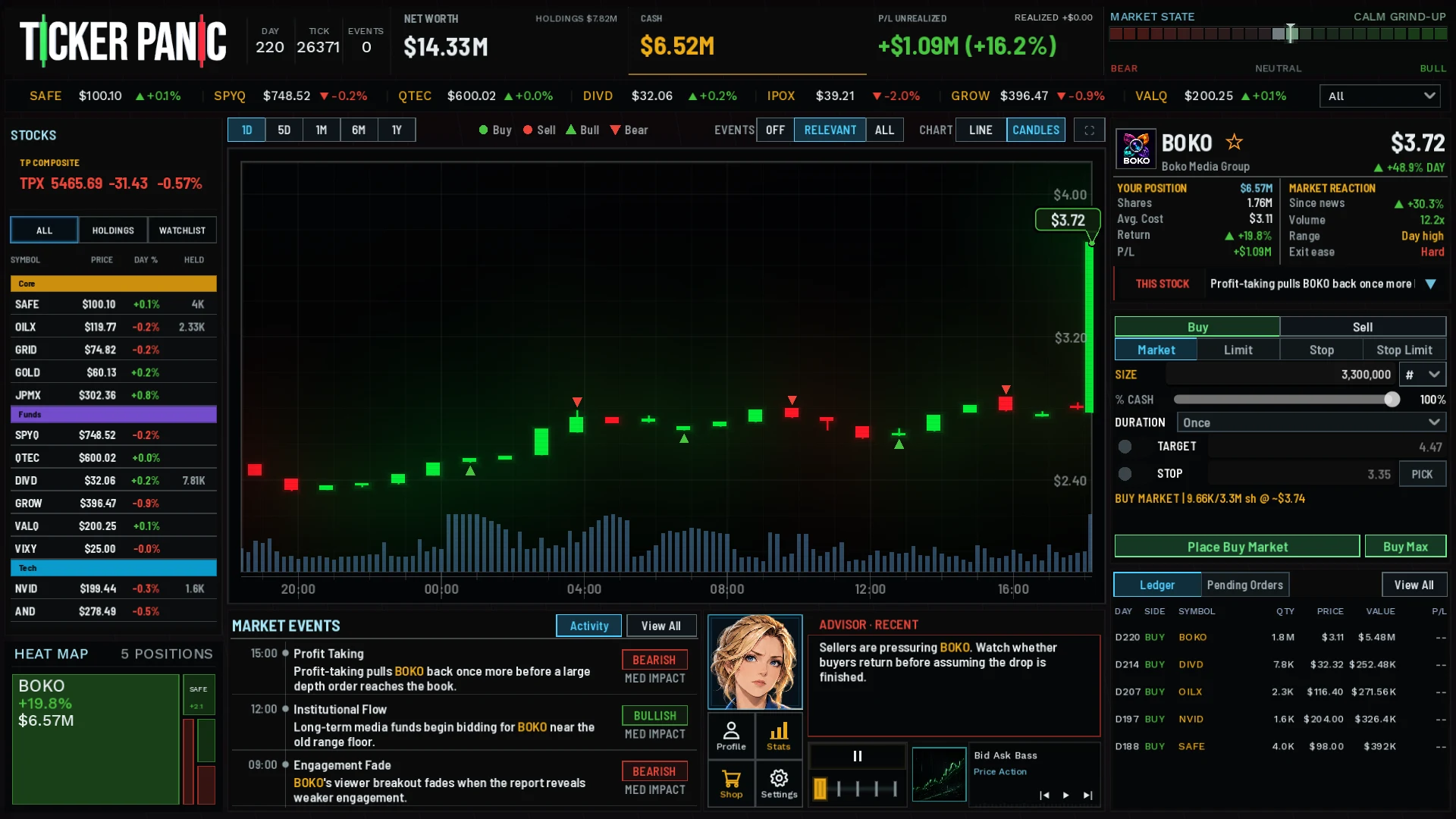
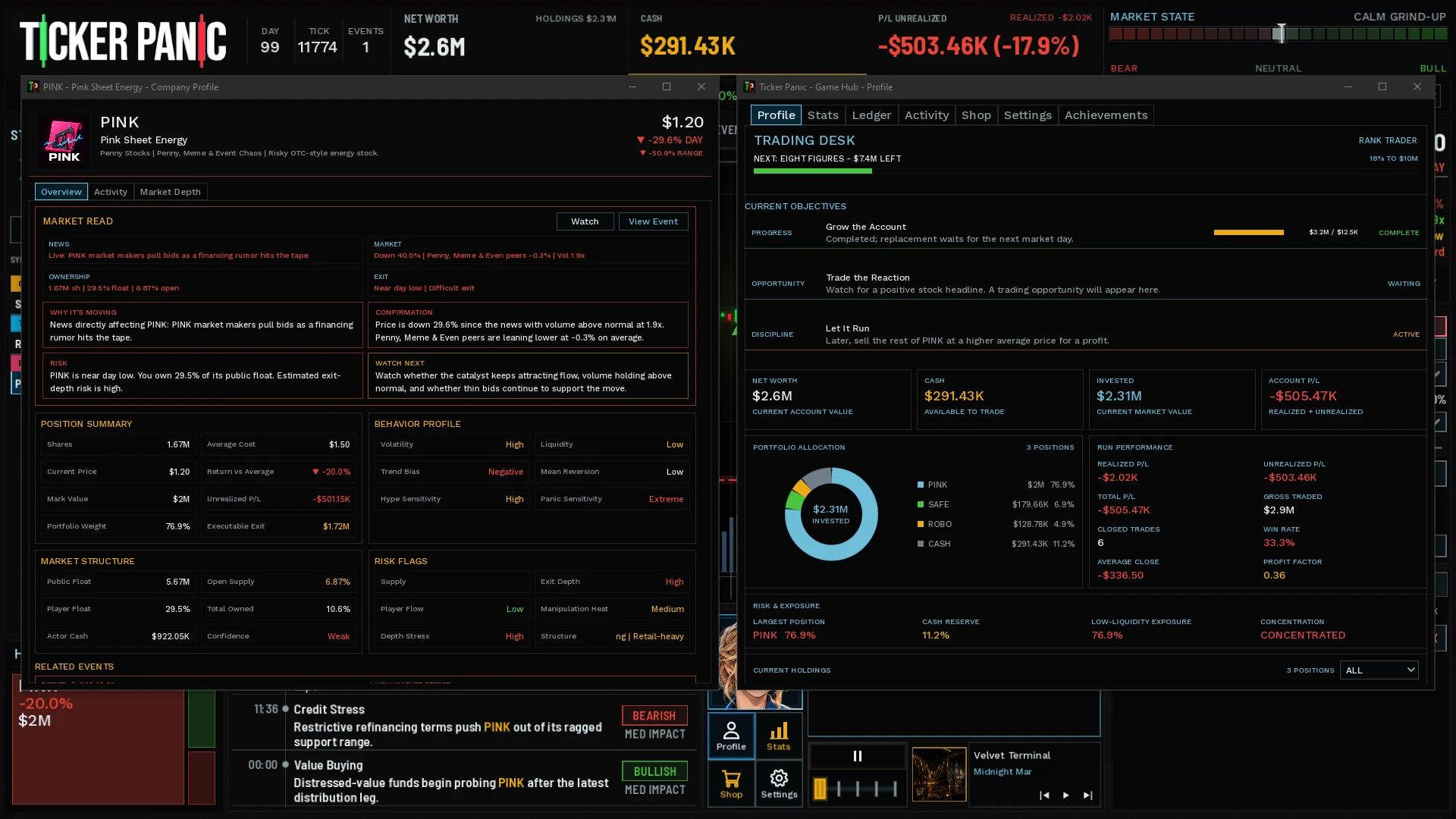
Getting started in Ticker Panic: your first trades
Your first useful trade starts with understanding the desk. Before chasing a moving line, locate your cash, selected ticker, order size and ledger. Those pieces let you tell whether the action you intended is the action the game completed.
Orient yourself before placing an order
Account information and selected-stock information answer different questions. Net worth includes holdings as well as cash. A rising account value does not mean all that value is immediately available for another purchase.
Select an asset from the stock list, ticker strip or heat map. Check the name on the ticket after changing your selection. The chart, events and position information explain the company; the ticket is where you decide what to submit.
- Cash: what you can commit to a purchase.
- Holdings: positions you still own.
- Trade ticket: side, order type and size for the selected ticker.
- Ledger: trades that actually filled.
Make size part of the decision
Start with a size you can inspect comfortably. Quantity and percentage-based controls express different intentions: a large cash percentage can commit much more than a small share quantity. Check the resulting estimate instead of assuming the control means the same thing for every stock.
Market depth can limit a fill, and a sufficiently large trade can move the price. A quote is context; the completed fill is the transaction your account must live with. Your intended quantity may not be your filled quantity.
Follow the ROBO example
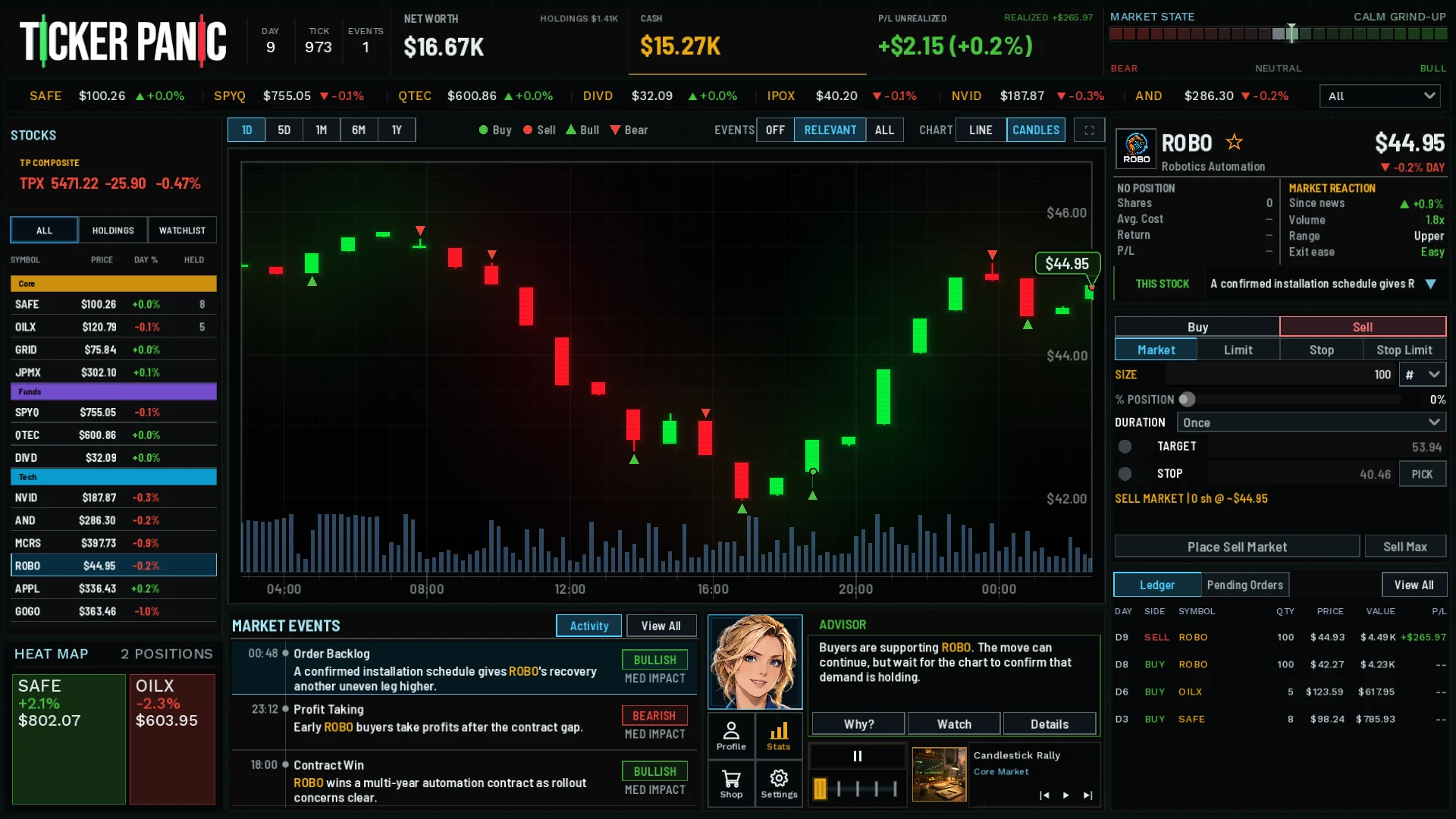
The screenshot's ledger records 100 ROBO shares bought at $42.27 and then sold at $44.93. The game reports $265.97 realized profit. The chart also shows a substantial dip between entry and recovery, which a simple before-and-after profit number would hide.
This is an authored native gameplay capture, not a promised beginner outcome or an optimal trading recipe. Its value as a guide is connecting chart markers to the quantities, prices and result the game records.
Check what completed
After a purchase, check filled quantity and remaining cash. After a sale, check whether shares remain. A pending order can coexist with an open position; submitting a sell does not mean the entire holding has disappeared.
Use pause or slower time when you need room to read. Advisor guidance and replayable Guides help with concepts, but they do not guarantee successful entries. Learn to explain one trade before adding several competing orders.
What to learn next
Once you can follow a fill from ticket to ledger, compare it with a less liquid asset. Look at available depth and the fraction of your account committed, as well as price movement.
These instructions describe cash trading in the current development game. Layouts and onboarding can evolve before release; the FAQ explains current availability and which features are still being worked on.