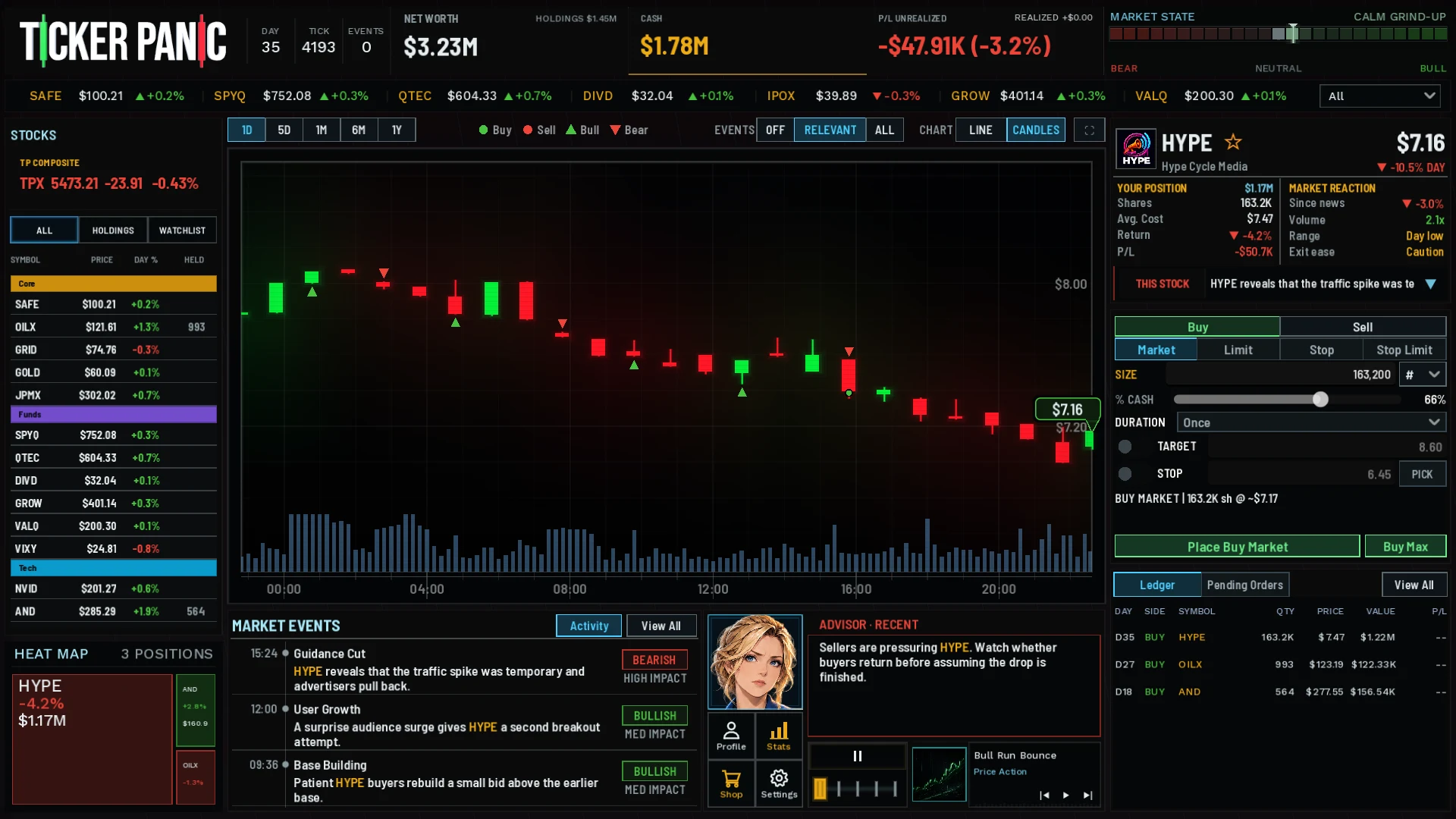
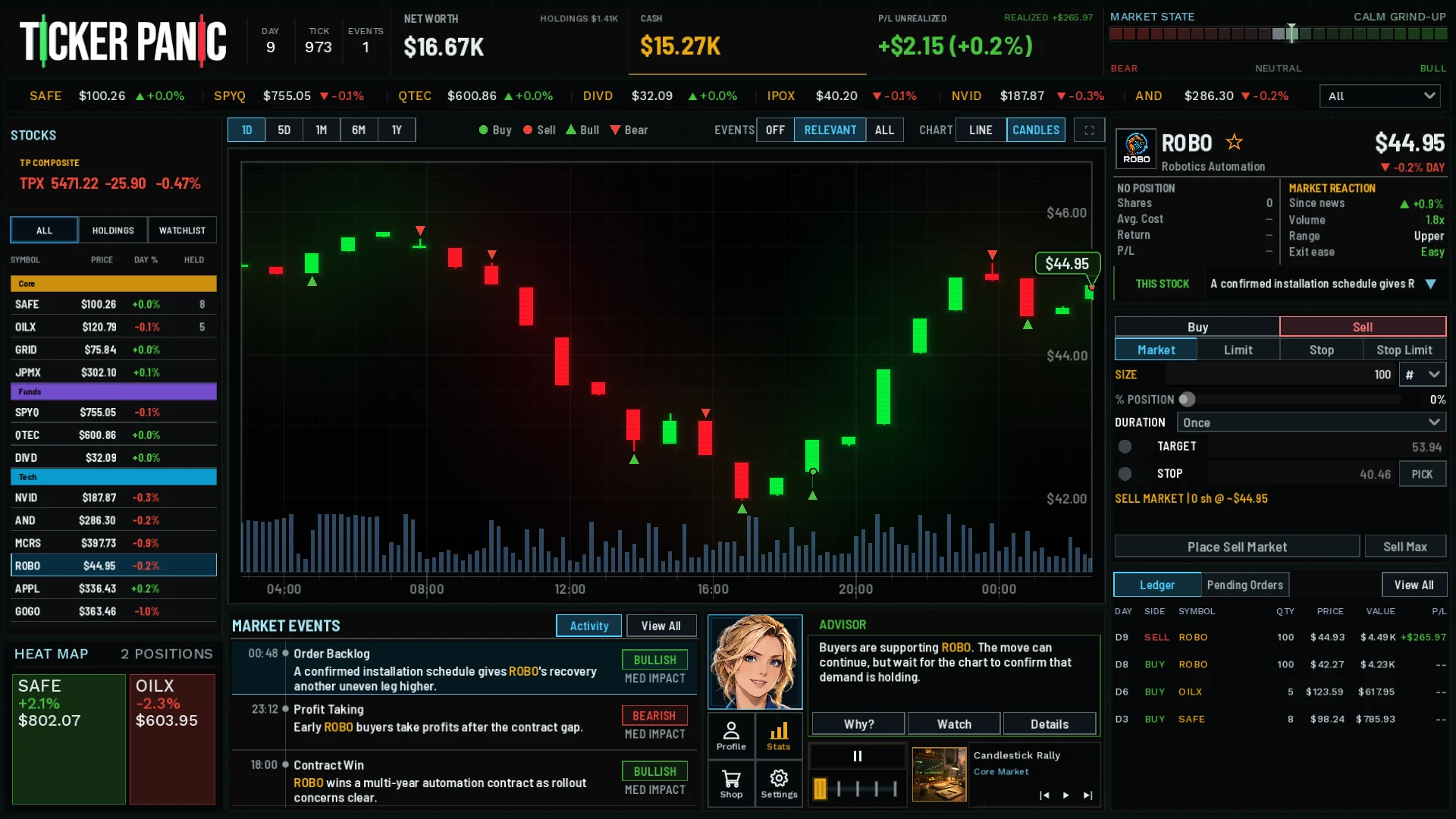
Inside Ticker Panic's new Research screen
How do you compare companies without losing the tools you need to trade? The latest Research work brings a market-wide comparison view into the desk while connecting company evidence to the selected stock.
Development preview. Features and presentation may change before public release.
See companies beside one another
The Research view arranges companies in compact rows with clear identities, mini charts and shared headings. The current design aims to show about ten collapsed stocks at once on a 1920-pixel-wide display, with room to expand a company when its story needs a closer look.
The aim is comparison before opening every company separately. A readable miniature should help you decide what deserves a closer look; expanded evidence should explain the developments associated with that company.
Keep the trading rail within reach
Select a company in Research to bring its stock into the trading ticket beside the comparison view. Your order controls and ledger stay close by, so you can move from investigating a company to checking a trade without leaving the desk.
Open a full chart when a miniature catches your attention, or expand the company's evidence when you want the story behind a move. The surrounding trading tools help you keep track of your position while taking that closer look.
Connect observations rather than promise predictions
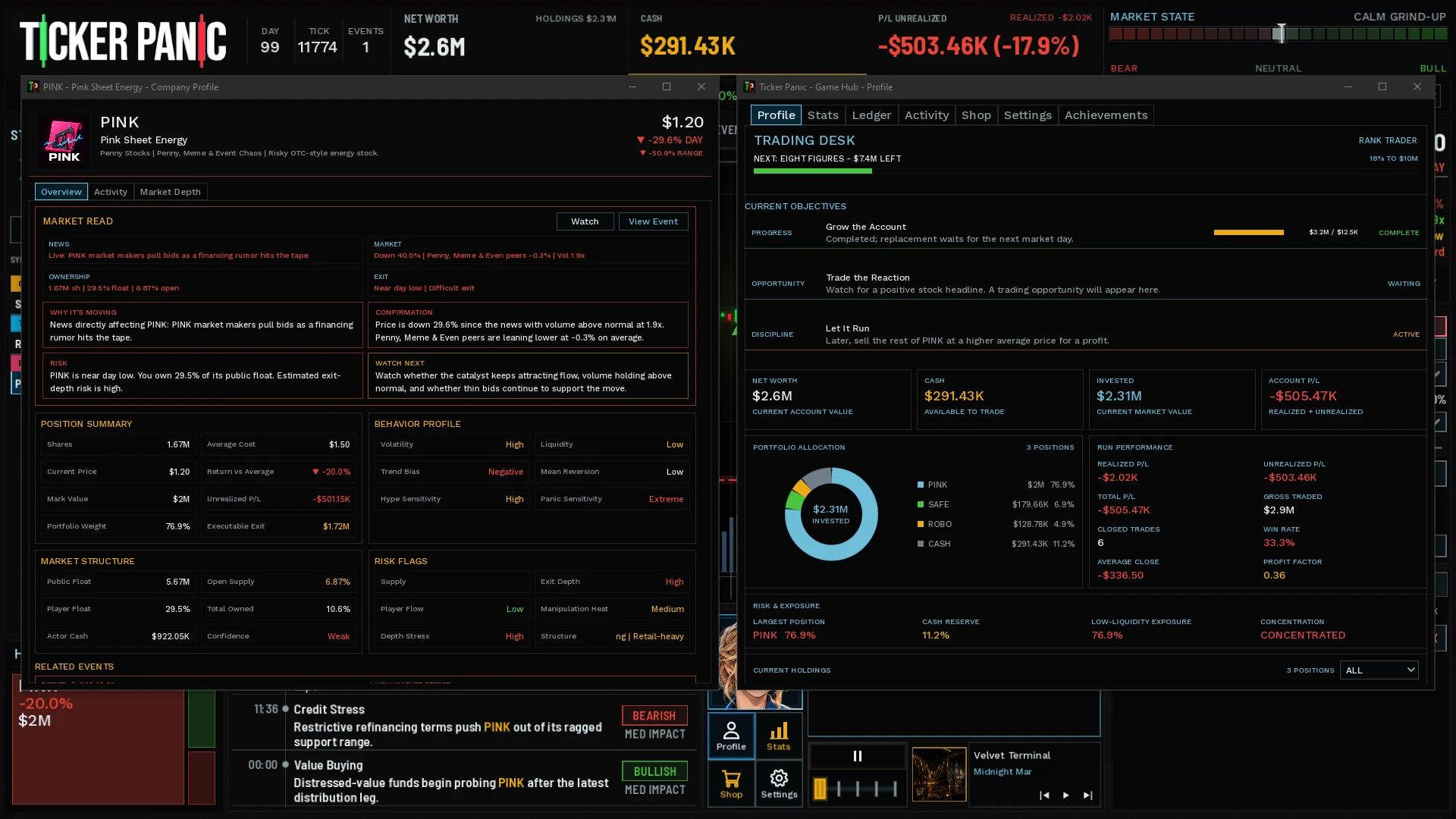
Company reports and linked developments provide context beyond price. Compare what has been reported, when a story takes effect and which information is actually public in the simulation.
The screenshot illustrates the earlier Company Profile workspace. It predates the new Research layout and is labeled accordingly. It is not an image of the current Research screen.
Current development status
Research is still in development and testing. We are checking how easily players can compare companies and whether the view stays responsive as a market session grows.
Layout, controls and presentation can change before release. This preview describes the current direction; the gameplay guides explain the trading tools shown in our existing captures.